
AI Video Templates for Viral Trends
10 trends people post right now. Add your photo, tap once, and get the video with sound.
No prompt to write: Add your photo and tap once
Make a Hotel Lobby videoEach trend shows its credit cost. A failed video gives its credits back.
10 AI video trends, ready to make
Sorted by how many people search for them. Every example was made from AI-made people and pets with the prompts on its page.
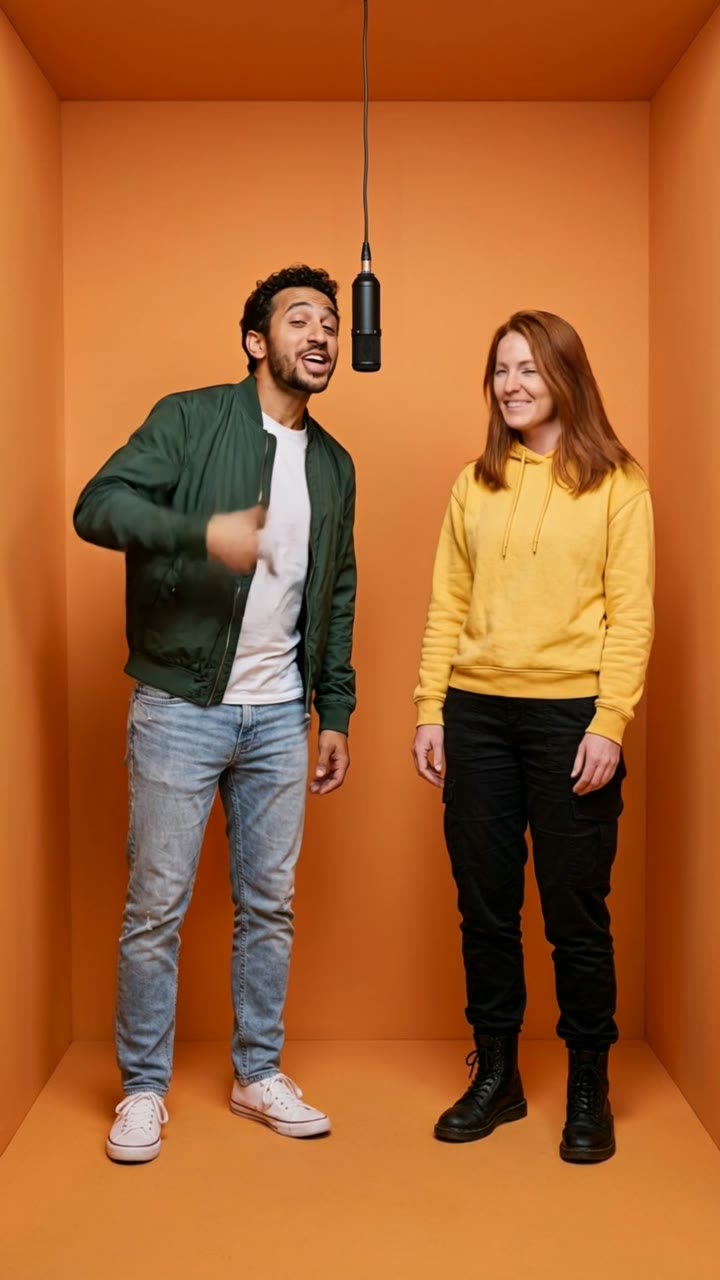
Hotel Lobby
You and a friend, or your two pets, trade a rap into one hanging mic in a bright orange booth. Two photos in, a 10-second clip with sound out.
No prompt to write
56 credits
Make yours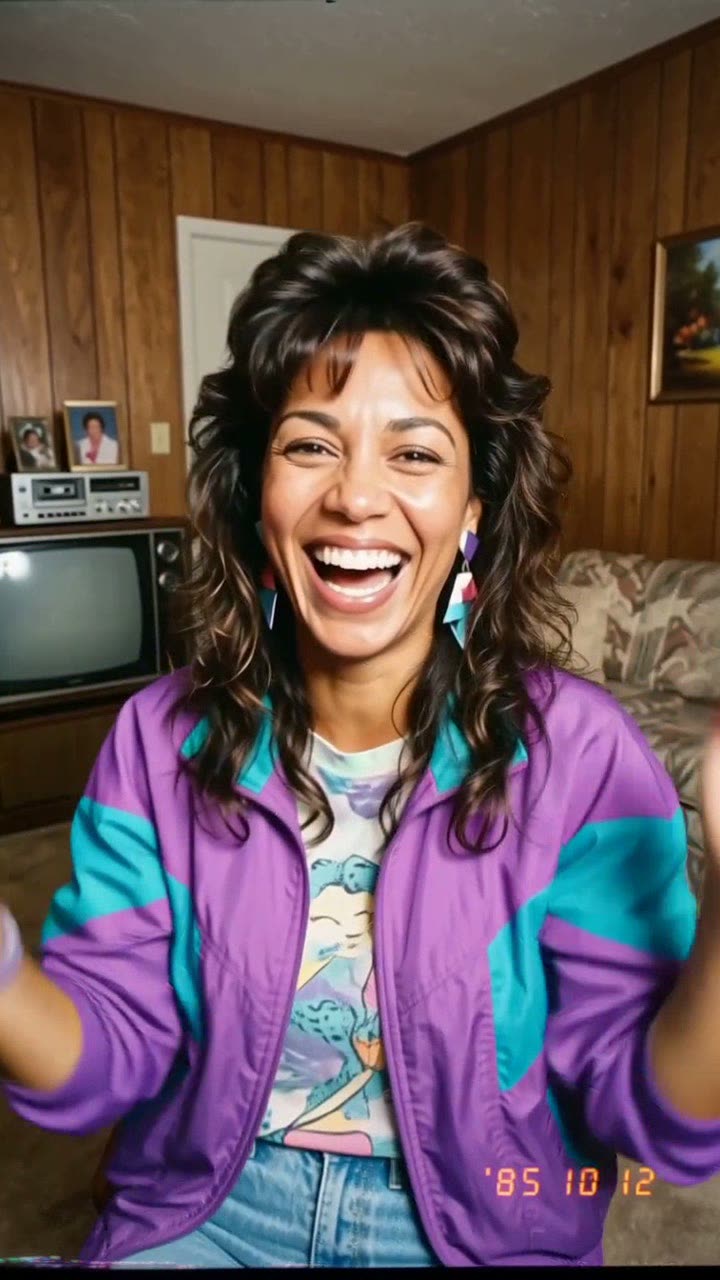
80s AI
One selfie becomes a faded 1985 snapshot with big hair and a date stamp. Stop there for the photo, or animate it into a 10-second camcorder home video with sound.
No prompt to write
128 credits
Make yours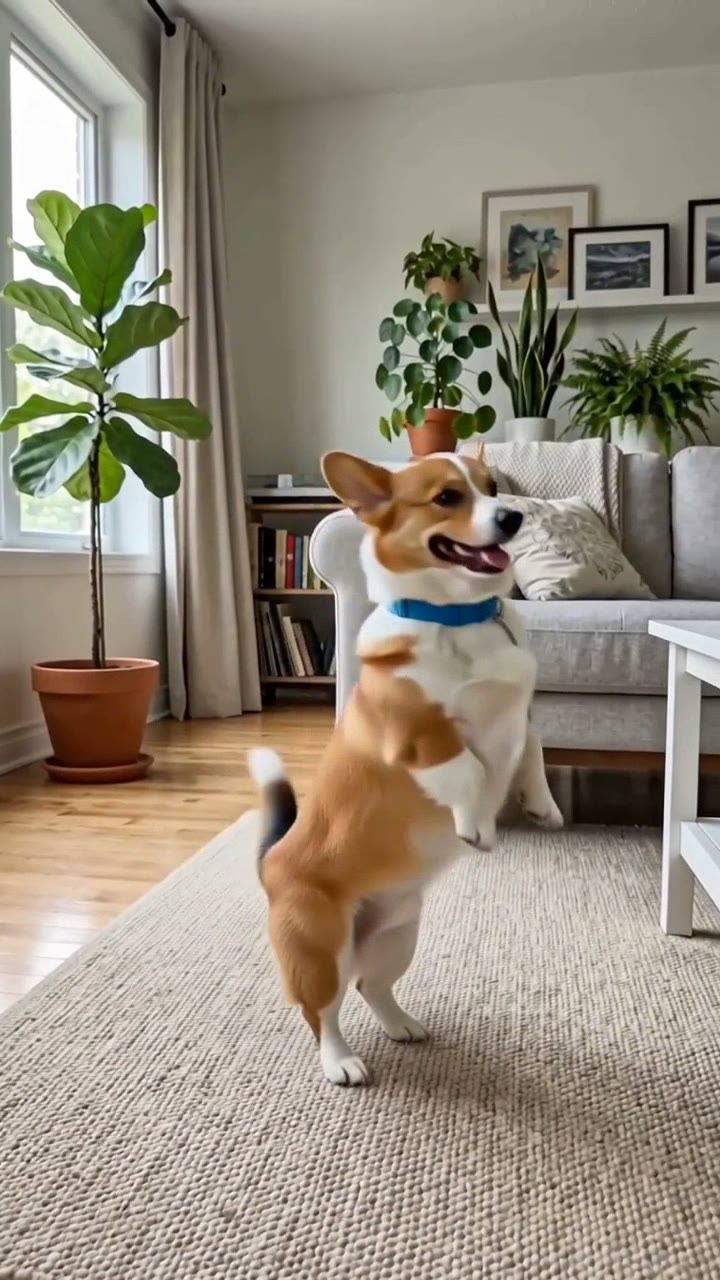
Dancing Pet
Your dog or cat stands up on its hind legs at home and does a happy, bouncy dance. One pet photo in, a 10-second clip with an original beat out.
No prompt to write
128 credits
Make yours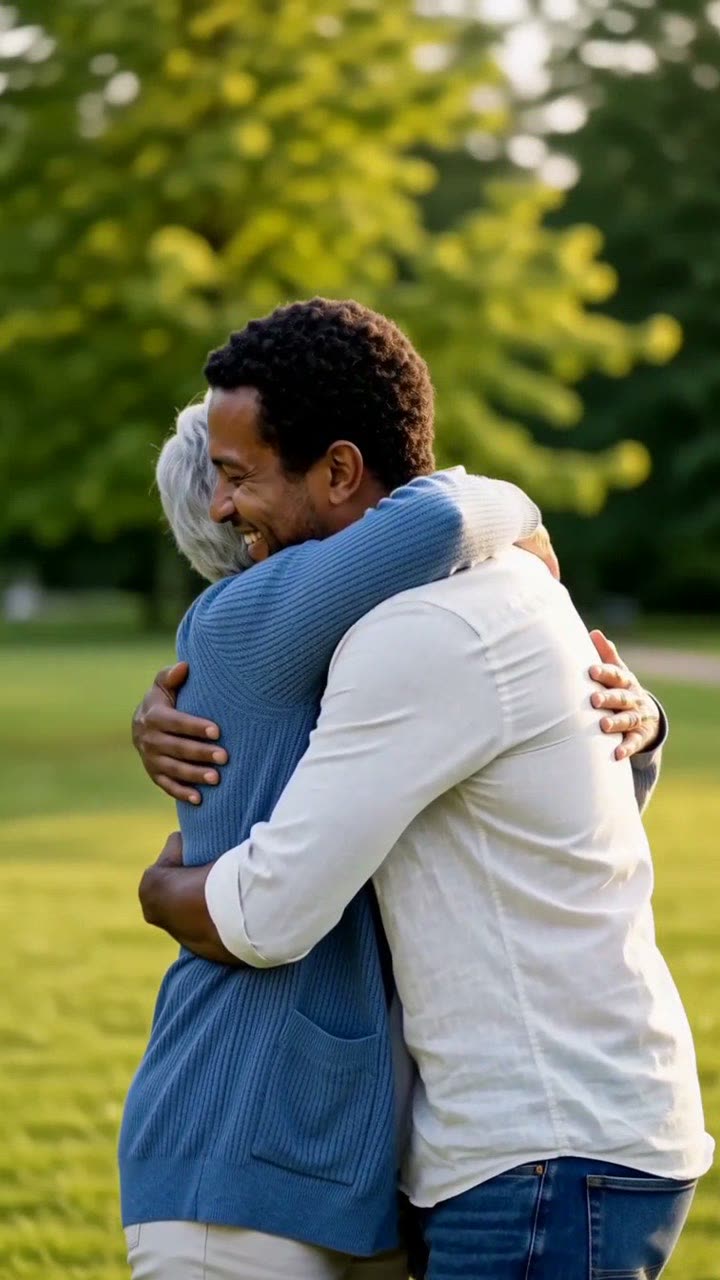
AI Hug
Two people step toward each other in a sunny park and share a warm hug. Two photos in, an 8-second clip with gentle original music out.
No prompt to write
103 credits
Make yours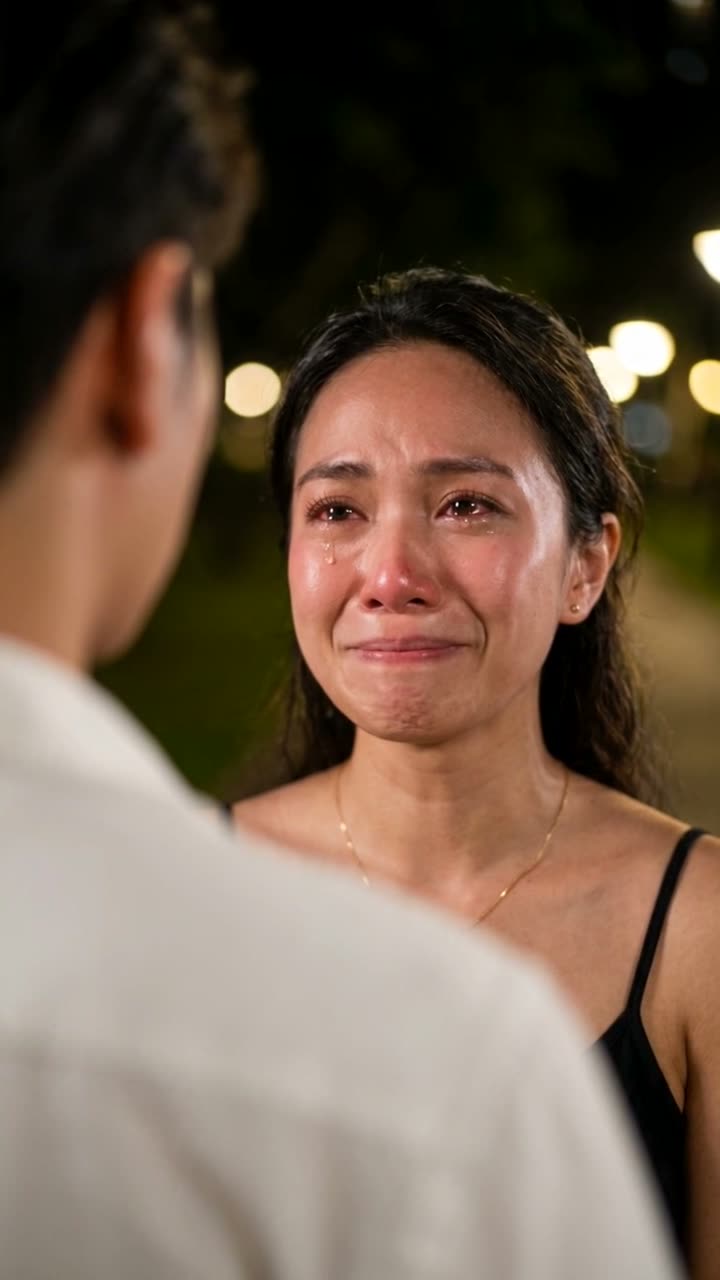
AI Crying
One photo of you becomes the night farewell scene from a drama: you smile through tears at someone, the smile breaks, and you walk away.
No prompt to write
128 credits
Make yours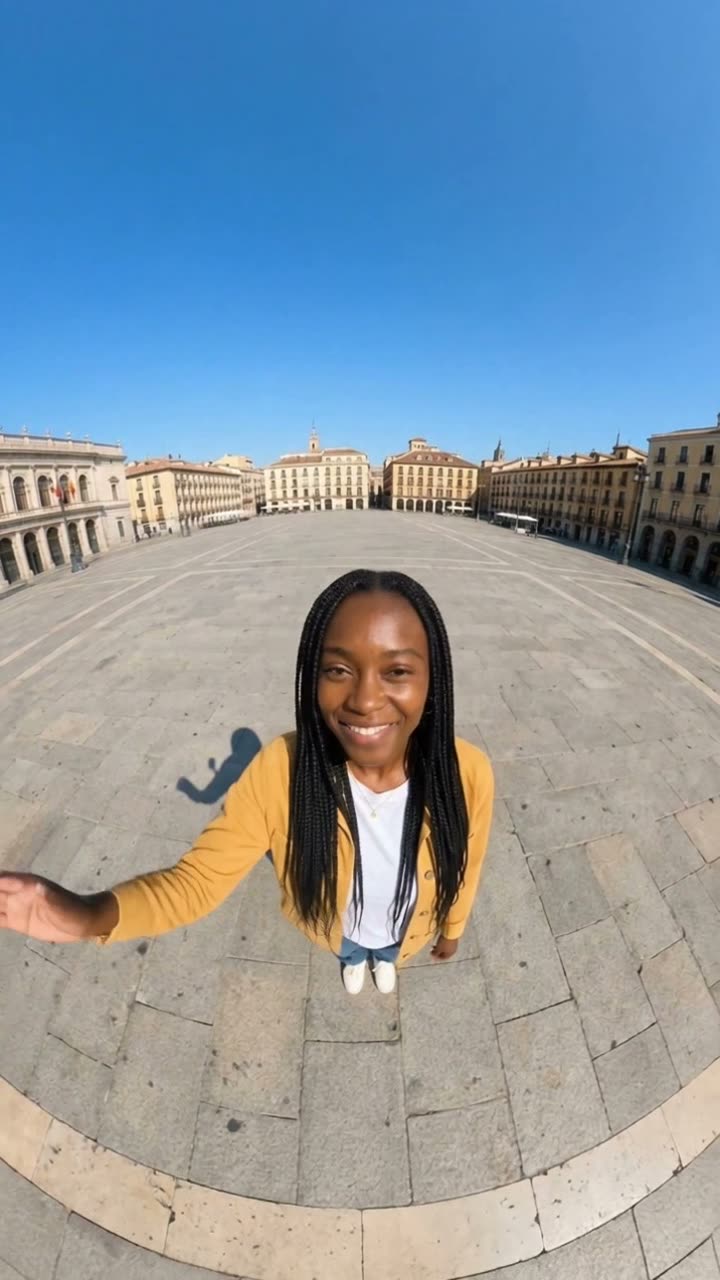
Earth Zoom Out
It starts as a wide 0.5x selfie of you waving. Then the camera rises, and keeps rising: over the city, through the clouds, out to the whole blue Earth.
No prompt to write
128 credits
Make yours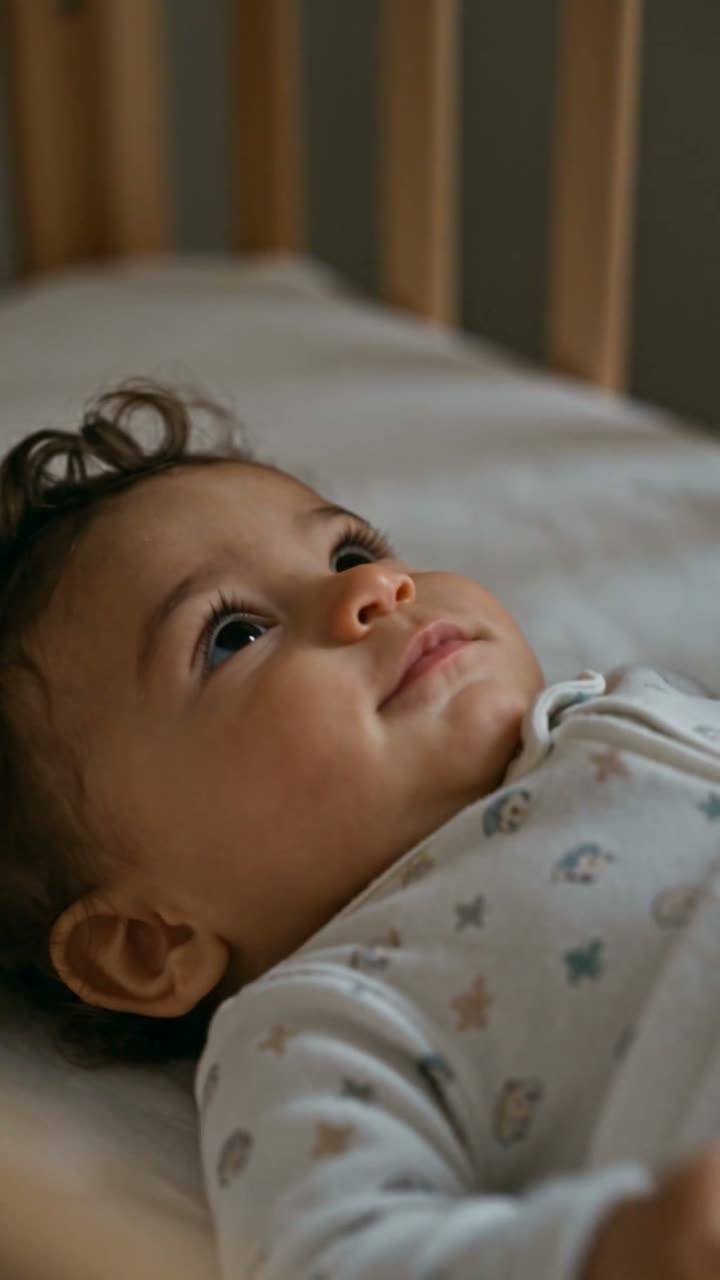
Future Baby
Two partner photos in, one imagined baby out: a nostalgic camcorder montage of first steps, messy breakfasts and a ride on a parent's shoulders.
No prompt to write
128 credits
Make yours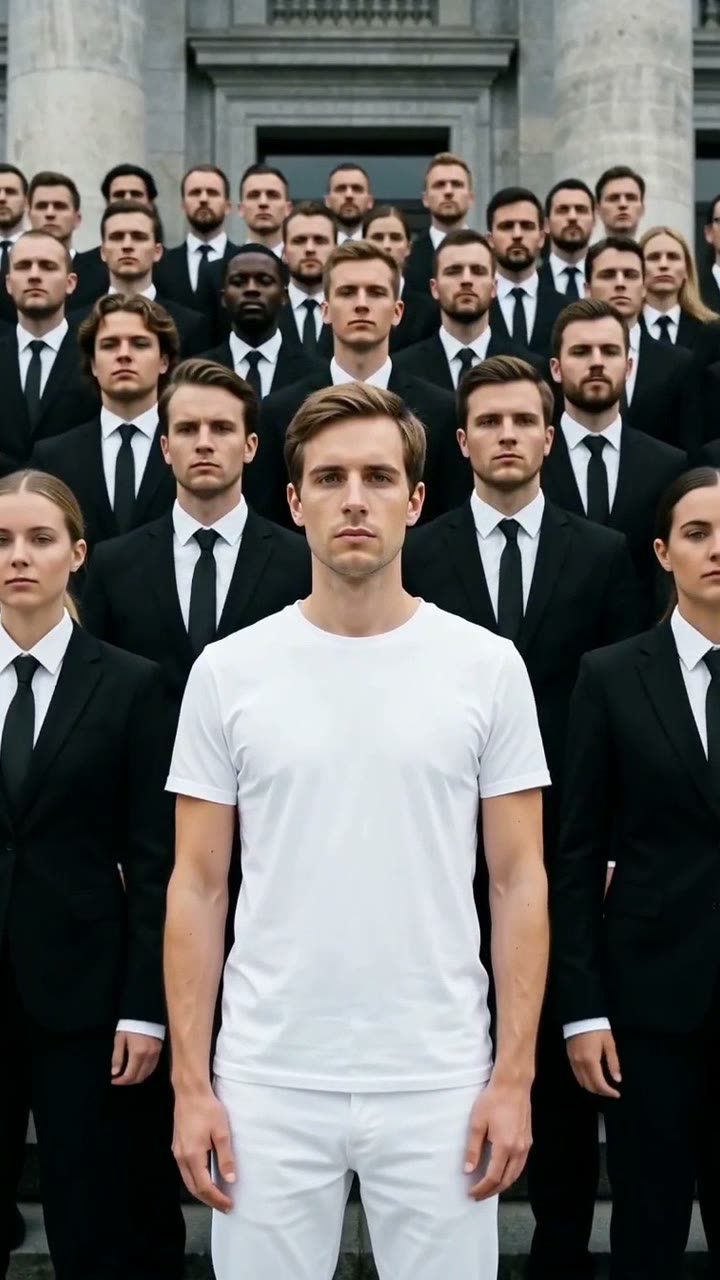
Storm
You stand calm in the center, dressed in white. Around you, dozens of people in black suits snap, twist and bow on a heavy beat. One photo in, a 10-second clip with sound out.
No prompt to write
128 credits
Make yours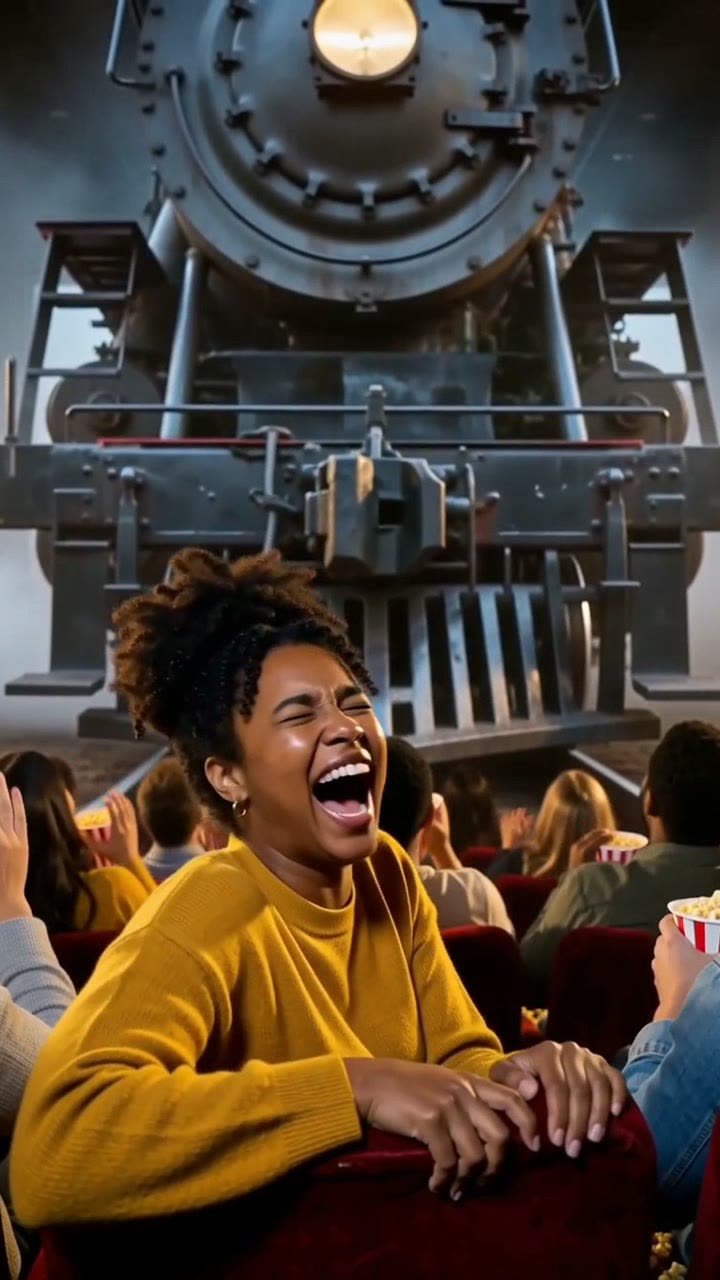
Cinema Breakout
You sit in the front row of a dark cinema. A steam train on the screen bursts into the room and stops above your seat. You scream, then laugh. One photo in, an 8-second clip with sound out.
No prompt to write
103 credits
Make yours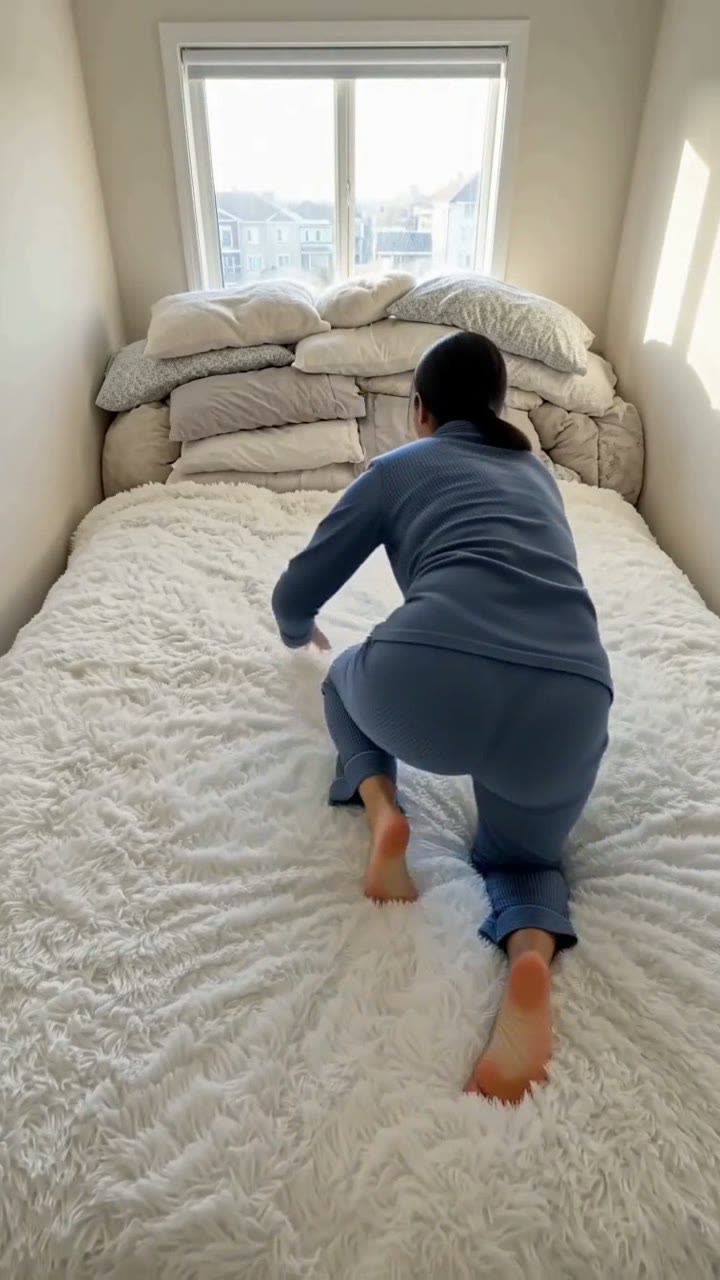
Giant Bed
You climb onto a white bed so big it fills the room, crawl across it for ages, and flop into the pillows. One photo of you or your pet in, a 10-second clip with sound out.
No prompt to write
128 credits
Make yoursAn AI video template is a tested prompt that recreates one viral format with your own photo. On MakeViral you add your photo and press one button: Nano Banana 2 puts you into the scene, then an image-to-video model animates it with original sound. You write no prompt, and you pay one price, shown before you start. Each page below has an example, the prompts and the price.
What each template needs and what it costs
Credits are the one-tap price on each page: the scene photo and the video, charged once. “From” is the smallest one-time pack that covers one video. The create page shows the exact price on the Generate button before you spend anything, and a failed video gives the credits back.
| Trend | You upload | Length | Credits |
|---|---|---|---|
| Hotel Lobby | Left person + Right person | 10 s | 56 |
| 80s AI | Your selfie | 10 s | 128 |
| Dancing Pet | Your pet, whole body | 10 s | 128 |
| AI Hug | First person + Second person | 8 s | 103 |
| AI Crying | A clear face photo | 10 s | 128 |
| Earth Zoom Out | Your photo | 10 s | 128 |
| Future Baby | First partner + Second partner | 10 s | 128 |
| Storm | Your photo | 10 s | 128 |
| Cinema Breakout | Your photo | 8 s | 103 |
| Giant Bed | Your photo | 10 s | 128 |
How do these AI video templates work?
Most viral AI videos in September 2026 follow the same recipe. First an image model puts you, your friend or your pet into the scene of the trend: an orange studio booth, a 1985 living room, the front row of a cinema. Then an image-to-video model moves that still for 5 to 10 seconds and adds sound. The template is the pair of prompts that makes both steps land.
On MakeViral you do not need to paste anything. The “Make yours” button on each page opens the one-tap create page: add the photos and press Generate. Each page also has “Edit the prompts yourself”, which opens AI Photo with the photo prompt filled in, so you can still change every word.
What we leave out on purpose
The prompts never name a real song, artist, film, brand or sports team, and they ask for original music. Add the trending sound in the posting app. Use photos of yourself, of adults who agreed, or of your own pets.
AI video template questions
What is an AI video template?
Do I need video editing skills to use these templates?
Can I use my own photos of friends or family?
Do the videos use the original trend song?
How often do you add new templates?
Why are the people in the examples not real?
Make your first trend video
Pick a trend, add your photo, and download an MP4 with sound for TikTok, Reels or Shorts. No prompt to write.
No watermark. A failed video gives its credits back. Secure checkout by Stripe.