What happens in the tiger transition video?
Each version copies a creator's own reel of the trend, and your photo takes the creator's place before and after the cut:
| Version | Before | The swipe | After | Length |
|---|---|---|---|---|
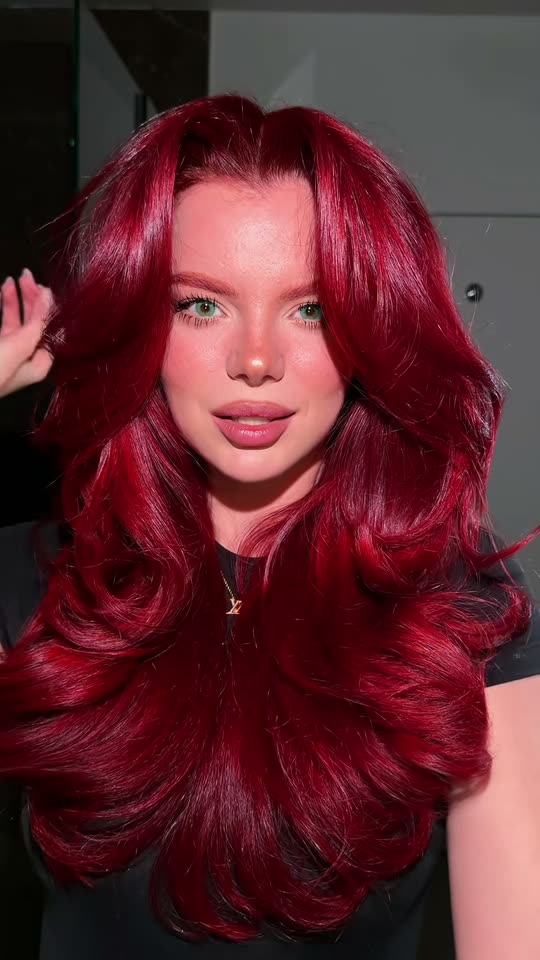
| Glow up | A towel turban, a bare face, a black T-shirt, fierce faces on the line | A hand moves at the lens and covers it (about 4 s) | Very long glossy waves in your own hair color, full glam makeup, a slow pose | 9 s |
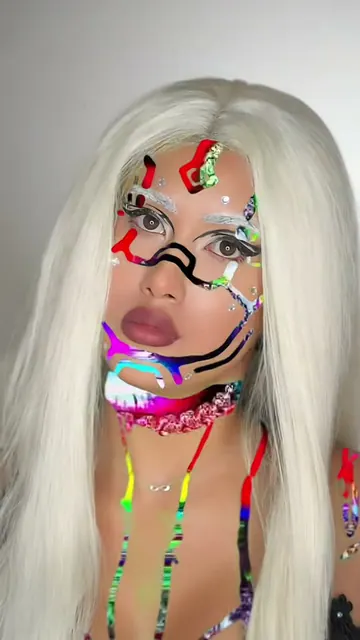
| Tiger makeup | Your own hair and a natural face, snarls and grins | Both hands come up like claws, one covers the lens | Full tiger face paint, a bright orange mane, roars in quick jump cuts | 11 s |
| Him | A plain black T-shirt on a black backdrop, dramatic faces | An open hand spreads over the lens | Tiger face and shoulder paint on a fiery backdrop, a cold stare and a growl | 12 s |
| Pet | Your pet as it is, staring into the camera | A paw swipes at the lens | The same pet with tiger stripes painted in its fur, a growl | 12 s |
How it works: the best AI video models available edit the reel itself: they swap the creator for the person or pet in your photo and keep the room, the camera, the cut and the timing. You get a vertical 9:16 video at 720p, with the reel's own "You cannot reason with a tiger" sound put back after the run. The mouth follows the reel, so it is close to the words but not exact lip sync. A run takes 5 to 15 minutes, and the exact price shows on the Generate button before you spend anything. Every run is a new take, so results differ.