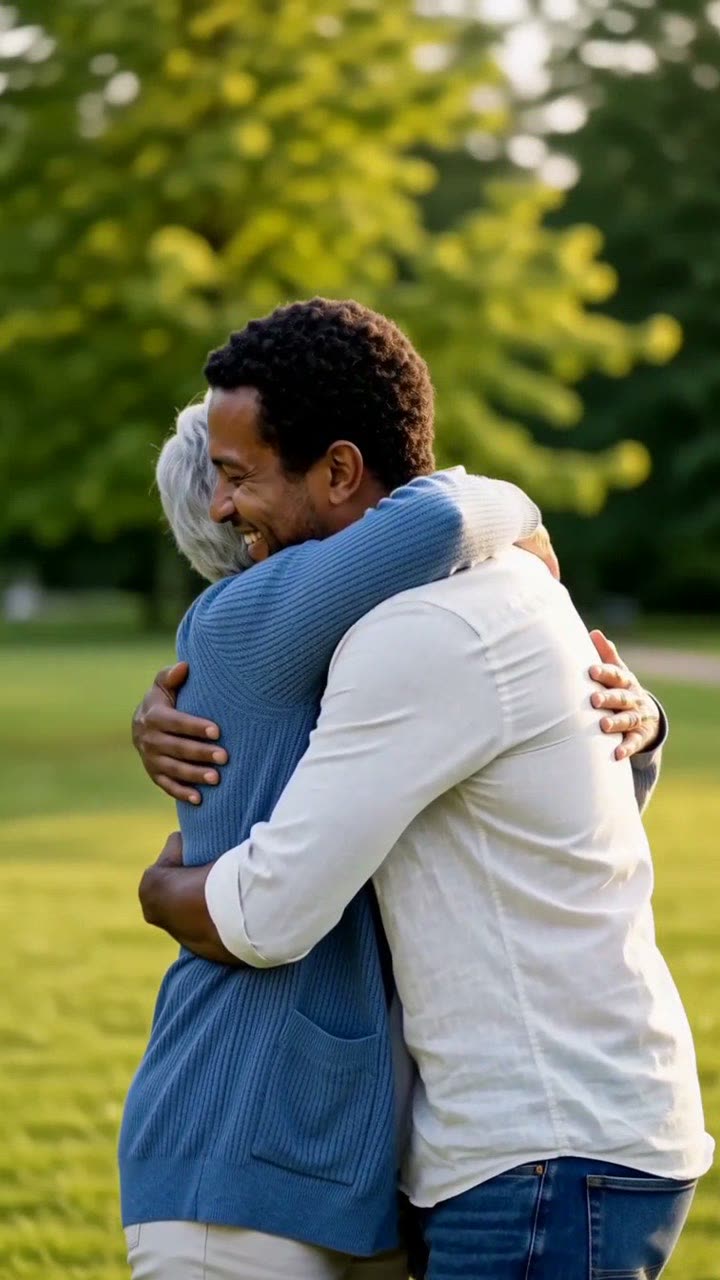
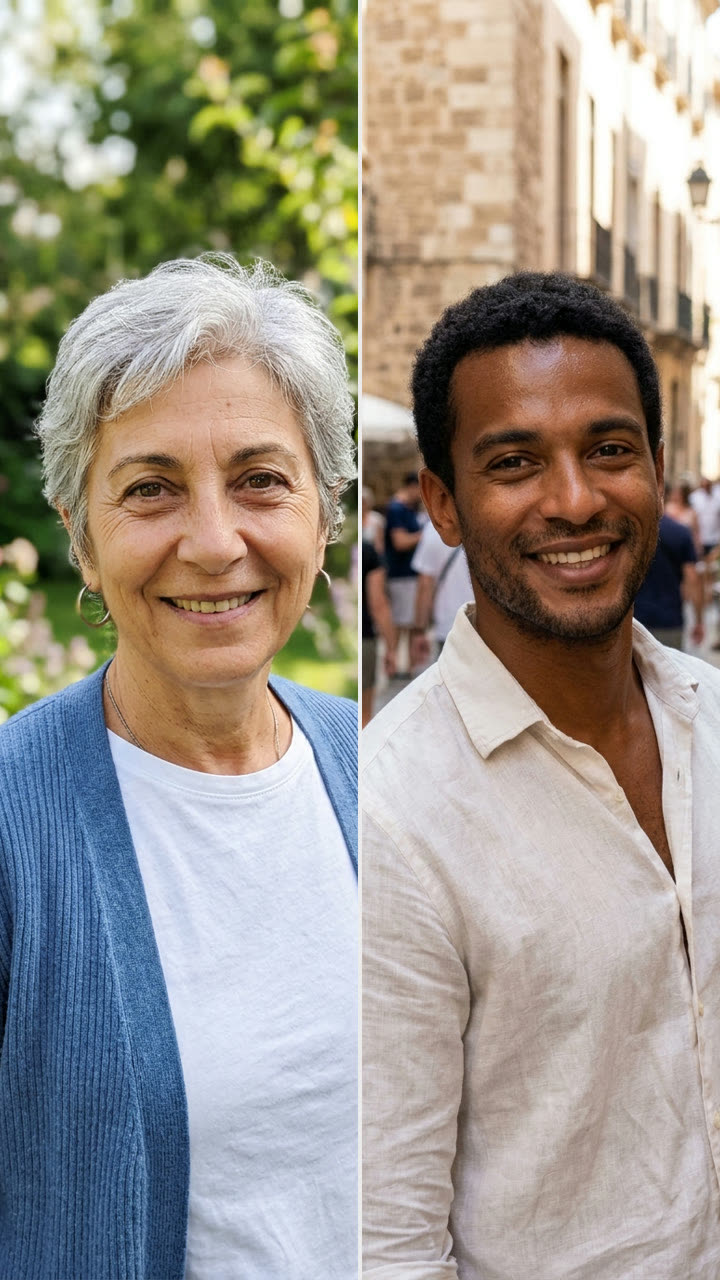
How do you make the "hug my younger self" video?
Use the same prompts with a different pair of photos: an old photo of yourself as a child first, and a recent photo of yourself second. The photo step places both of you in the park, and the video step makes you walk toward each other and hug. Upload order does not change the hug, so either order works.
Tips for this version:
- Scan or photograph the old print flat, with no glare. A sharp old photo keeps your child face.
- If the child comes back as tall as the adult, add "the first person is a small child about 7 years old" to the photo prompt and generate the still again.
- In the video prompt, change "a warm, tight, friendly hug" to "the adult kneels down and hugs the child" for a more natural height.
It is the same idea as the 2025 Instagram trend, but as a moving video with sound, not only a still.
Why do AI hug videos get so many shares?
A hug is short, clear and emotional. Viewers understand it in one second, and the payoff comes fast. The format also has a built-in reason to share: the other person in the video wants to repost it.
The most shared versions give the hug a story. Best friends who live in different countries. A parent and a grown child. Your adult self and your seven-year-old self. Put the story in the caption, for example "we haven't seen each other in four years", and let the video carry the feeling.
Do you need permission to make an AI hug video of someone?
Yes. Both people in the video must agree. A hug video of a real person who did not say yes can break platform rules and that person's rights, and it can hurt. Use yourself, adults who agreed, or your own childhood photos.
Do not use photos of celebrities, strangers, or someone you are not in contact with. For photos of children, use only your own childhood photos or photos you have the parent's permission for, and keep the prompt wholesome, as ours is.