
How does the bye bye Halloween transition work?
The hand is the edit. You film yourself laughing like a villain, say "bye bye", and put your open hand over the lens. That frame of skin hides the cut, and when the camera sees again you are in full Halloween makeup or a costume. Creators use smoke, a spin or a hand, but the beat is always the same: the evil laugh, the bye bye, the reveal.
MakeViral has three versions:
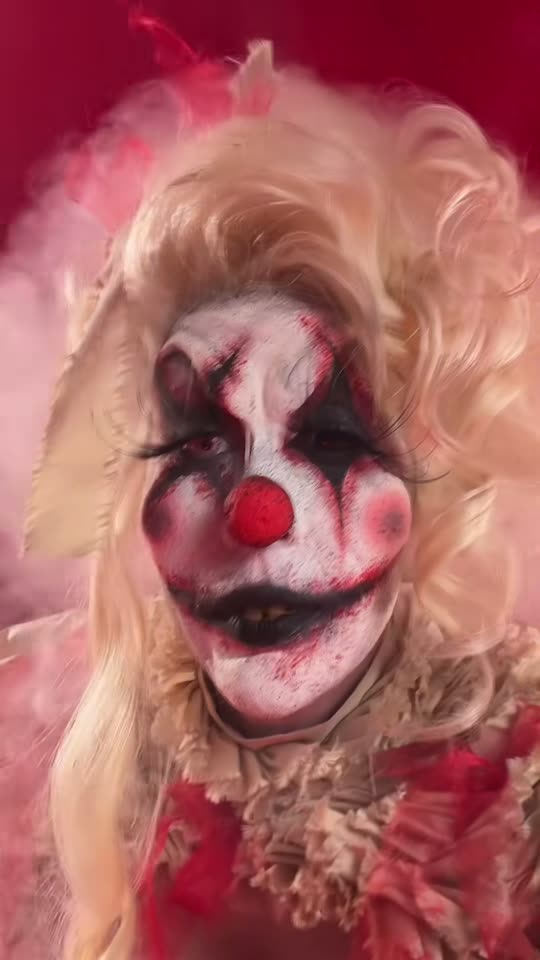
- Clown makeup copies @kayla_self's reel shot for shot: 11 seconds, a selfie close-up, an evil laugh, "bye bye" with a hand wave, the hand over the lens at 5.4 seconds, then you in white face paint with big red eye circles and dark red lips. Your face, hair and skin tone come from your photo; the room, the camera and the timing come from the reel. The clip comes with the reel's hahaha bye bye sound.
- Villain look is the bye bye outfit change from the October ad, made as a new scene from your photo: you sit on a wooden stool between white neon tubes in a grey hoodie and boots, kick the boots off, laugh and say "bye bye", the neon turns red, and you stand up in a black leather jacket, black leather trousers, gloves and sunglasses. 10 seconds, with sound the AI makes for the scene (a laugh, a "bye bye" and a dark beat), not the TikTok sound.
- Pet puts your cat or dog into the same reel as the Clown makeup version: a wide-open "laugh", a paw wave, a paw over the lens, then clown face paint on its fur. With the reel's sound.
The videos are made with the best AI video models available, including Seedance 2.5.