Song to video AI

Song to Video: Turn Your Song Into a Video With AI

Your song leads. The AI finds its best part, reads the lyrics, and builds the pictures around them, one clip for every few beats.

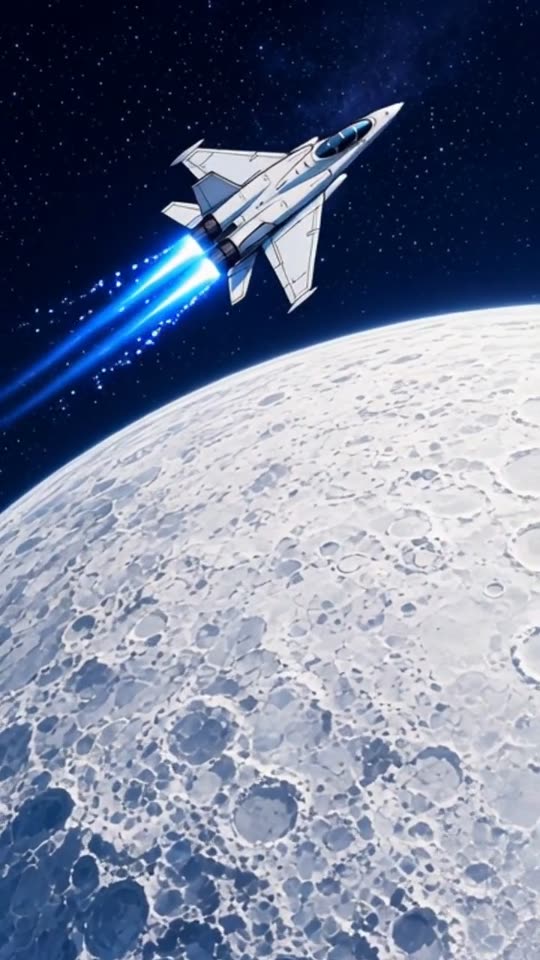
An AI music video of the EDM song "Starlight Run" in the Anime look, made with MakeViral
Made with MakeViral: an AI-made EDM song, Full song, Anime look, no photo. Tap for sound.
Made with MakeViral

Music videos made with MakeViral

We made these from 30-second songs made with AI, in Full song mode on Fast quality, with no edits after. Every person in them is AI-made. Tap a video for sound.

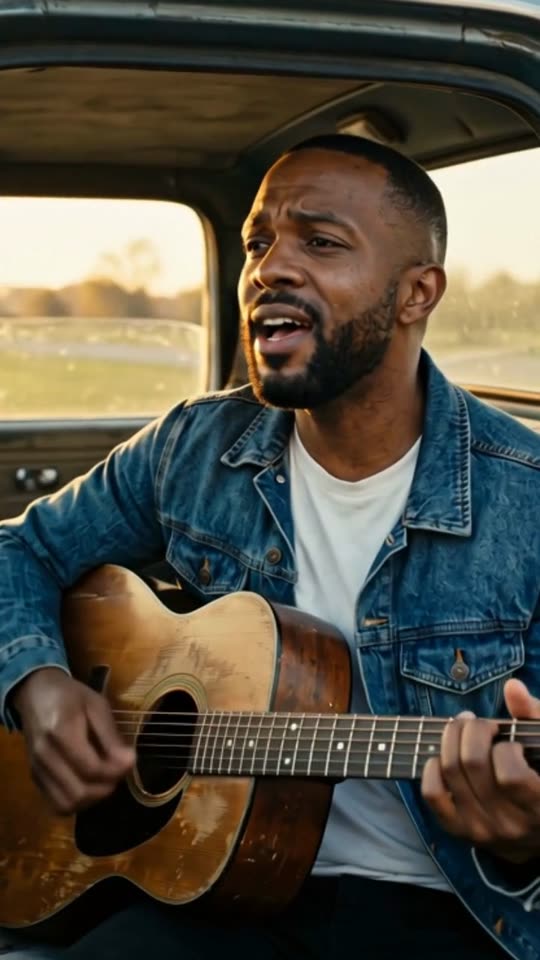
An AI music video of the country song "Dust Road Home" in the Cinematic look, made with MakeViral
Country, Cinematic, with a photo"Dust Road Home", 30 s, 11 shots cut on the beat
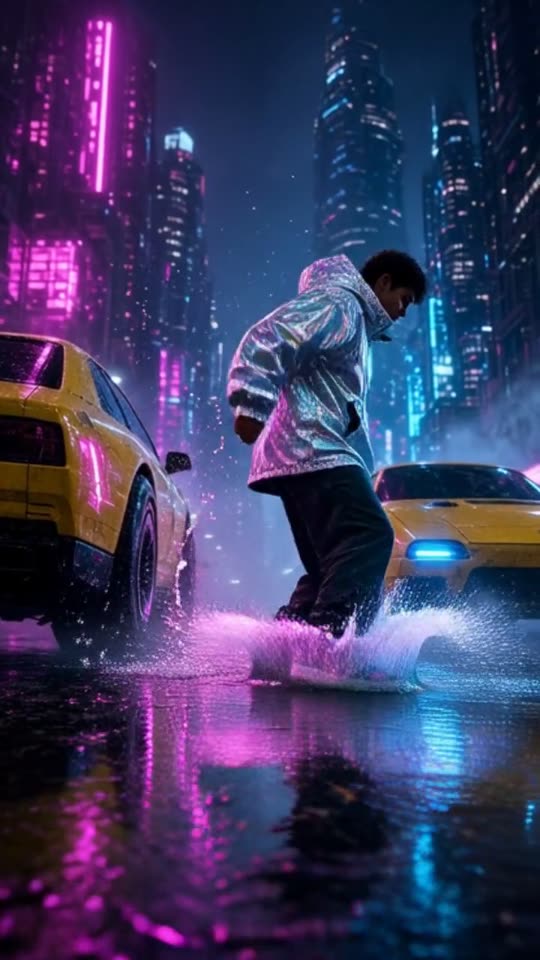
An AI music video of the hip hop song "Night Shift City" in the Neon city look, made with MakeViral
Hip hop, Neon city, no photo"Night Shift City", 30 s, 11 shots cut on the beat
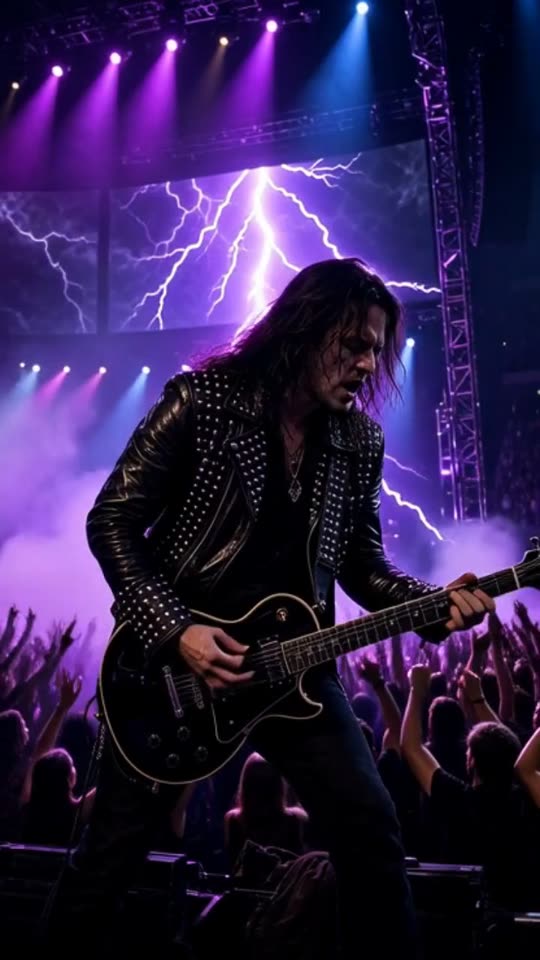
An AI music video of the rock song "Engine Heart" in the Concert stage look, made with MakeViral
Rock, Concert stage, no photo"Engine Heart", 30 s, 9 shots cut on the beat
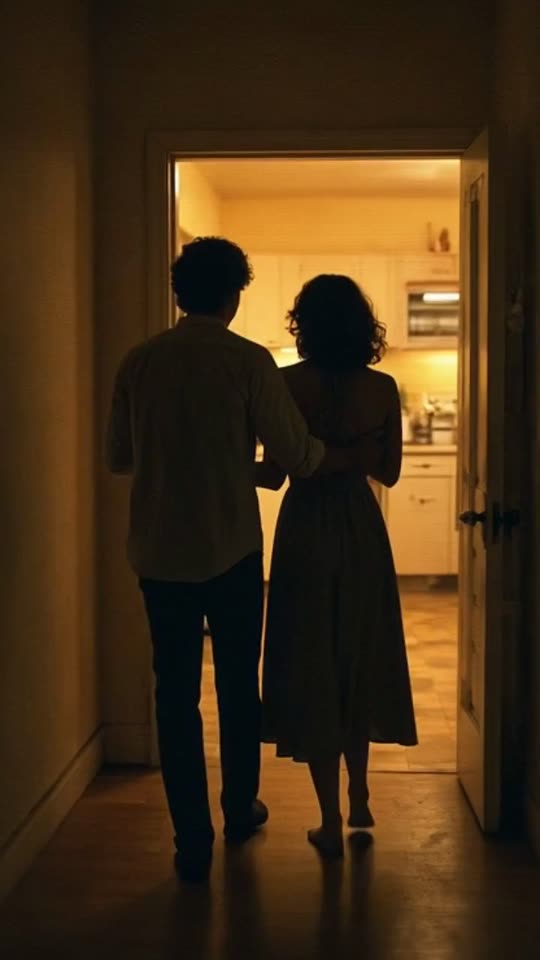
An AI music video of the lo-fi R&B song "Midnight Kitchen" in the Retro VHS look, made with MakeViral
Lo-fi R&B, Retro VHS, no photo"Midnight Kitchen", 30 s, 11 shots cut on the beat
200 billionViews a day on YouTube ShortsYouTube, 2026
189 millionPeople TikTok reaches in the EU every monthTikTok, 2026
2.60%Average engagement on TikTok, against 0.45% on Reels and 0.30% on ShortsSocialinsider, 2026
4,200+Videos rendered on MakeViral so farCounted on this site, hourly
Sources

Every figure was read on the page it links to on 2026-09-18. The MakeViral counts come from this site and update every hour.

Song to video AI turns a track into a video by reading the song itself: its tempo, its loudest part and its lyrics. On MakeViral you add a song file, and the AI picks the part that usually holds the chorus, makes a clip for every few beats in the look you choose, and puts your song under them.

Also called Song to video AI · Song video maker · Turn song into video

How does the AI pick the best part of a song?

Before you choose anything, the page has already listened to the whole song, in your browser.

  1. It measures the energy. The song is scanned for loudness over time. A chorus is usually the loudest part that lasts, after the intro and the first verse.
  2. It skips the start. The scan ignores the first 20 % of the song, where intros and first verses sit.
  3. It places the window. A 15-second window (or 30 or 60) lands on the loudest part that lasts. In most songs that is the chorus.
  4. You decide. Drag the window anywhere on the waveform and press play. If your best line is in the second verse, use the second verse.

It works the same for a 2-minute single and a 10-minute track. The window is what becomes the video.

How do your lyrics shape the video?

When you tap Create, speech recognition listens to the part you picked and reads the sung words. An AI writer then plans the shots from them: one picture line per shot, in your style, following the story and the feeling of the lyrics.

So a line about driving at night can become a night road in Neon city, and a line about home can become a warm kitchen in Dreamy. The AI follows the meaning, not each word, and nobody in the video sings your lines.

An instrumental has no words. Then the shots follow the sound and the style you picked. If you add a photo, the same person is in every shot, whatever the song is about.

Turn a song into a video for each platform

Pick the frame for the place where you will post. The length is a starting point.

Where you postFrameA good length to start
TikTok9:1615 seconds of the hook
Instagram Reels9:1615 or 30 seconds
YouTube Shorts9:1630 or 60 seconds
YouTube video16:9 Wide60 seconds or the full song
Your website or a press kit16:930 seconds

Every video is a 720p MP4 with your song as the sound. Make the vertical and the wide one from the same part if you post in both places. Both cost the same.

The look is your choice too: Cinematic, Anime, Lo-fi, 3D cartoon, Neon city, Dreamy, Synthwave, Pixel art, Claymation, Storybook, Dark fantasy, Nature, Concert stage or Retro VHS. A lo-fi track fits the Lo-fi look: a cozy room, rain on the window and a slow camera. If none fits, describe your own style in up to 200 characters; it is saved for your next song.

Your own songs, covers and AI songs

Your own song. You hold the rights, so post it where you like. This is what song to video is for.

A cover. You recorded it, but somebody else wrote the song. The platform where you post may have its own rules for covers, so check them first.

A song you made with an AI music tool. Check the terms of that tool: some let you use the songs anywhere, and some do not. MakeViral does not give you rights to the music.

Someone else's record. Only with permission. The video keeps the song as its sound, so posting it is posting their music.

A simple plan to release a song with video

One song can give you a week of posts. Each one is a new video from the same file.

  1. Before release: the hook. 15 seconds of the chorus, 9:16, with your photo so people learn your face.
  2. Release day: the chorus in full. 30 seconds, in the look that fits the song best.
  3. The day after: a second look. The same part in a different style, to see which one people watch longer.
  4. Later that week: the verse. Drag the window to your best verse line, 30 seconds.
  5. For YouTube: the wide one. 60 seconds in 16:9, on the channel or under the song.

Each video is a new create, with its own price on the button.

Why it works

What the song to video: turn your song into a video with ai does for you

Finds the chorus for you

An energy scan places the window on the loudest part after the intro. Drag it if you disagree.

Reads your lyrics

The sung words in your part shape what each shot shows.

A clip every few beats

Each shot is 2 to 5 seconds long and starts on a beat of your song.

The artist in every shot

Add one photo and the same face appears from the first cut to the last.

Many videos from one song

Make the hook, the chorus and the verse as separate videos, in different looks.

Your song as the sound

The part plays at full volume under the clips, with a short fade at the end.

How it works

4 steps from idea to finished file

No editor, no timeline, no export settings to get wrong.

  1. Upload the song

    MP3, M4A, WAV or AAC, up to 25 MB and 10 minutes, or a direct link to the audio file.

  2. Keep or move the best part

    The window is already on the chorus in most songs. Play it, then keep it or drag it.

  3. Choose a look and the artist

    Pick a look or your own style, 9:16 Vertical or 16:9 Wide for YouTube, and one photo of the artist if you want one in every shot.

  4. Post the video

    Price shown before you create, from 35 credits for 15 seconds. Download the MP4 and post it where your listeners are.

Who it is for

Works in these niches

  • Song releases
  • Covers
  • AI music creators
  • Singer-songwriters
  • Rap and hip hop
  • Worship songs
  • Kids' songs
  • Wedding and birthday songs
FAQ

Questions people ask

How does song to video AI choose the part?
It scans the loudness of the whole song, skips the first 20 %, and places the window on the loudest part that lasts. That is usually the chorus. You can drag it anywhere.
Can I turn a whole song into a video?
Yes, if the song is 6 minutes or shorter: pick Full song. For a longer song, pick a part of 15, 30 or 60 seconds, and make more videos from other parts.
Does the video match my lyrics?
It follows them. The AI reads the sung words in your part and plans the shots from their meaning and mood. Nobody in the video sings or mouths the words.
Can I turn a song I made with AI into a video?
Yes, if the terms of the tool you made it with let you use the song. Upload it as a file like any other song.
Can the singer appear in the video?
Yes. Add one clear photo of the singer and the same face is in every shot. Use your own photo, or one of someone who said yes.
Which song files can I use?
MP3, M4A, WAV or AAC, up to 25 MB and 10 minutes. A direct link to the audio file works too. Links to streaming services and video sites do not.
What does it cost to turn a song into a video?
Price shown before you create, from 35 credits for 15 seconds: it depends on the length and on the photo. A new account starts with 0 credits, and the smallest top-up is a $9.99 one-time pack of 100 credits.

Your song is ready. Give it a video.

Upload the track and keep the part the AI picks, or drag it. Price shown before you create, from 35 credits for 15 seconds.

No watermark. A failed video gives its credits back. Secure checkout by Stripe.