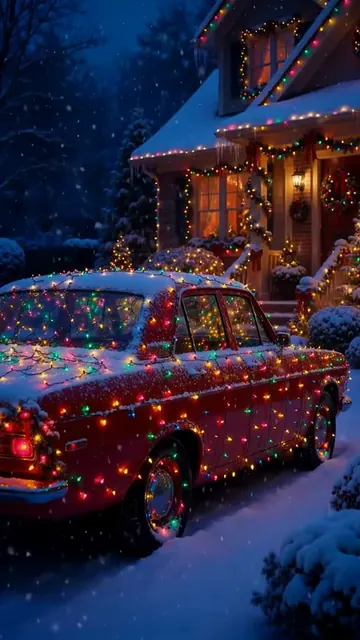
AI Christmas photos

AI Christmas Photo Generator: Holiday Photos and Cards

Add your photo or start with an idea, then make a Christmas portrait, Santa scene, holiday card or profile picture.

Updated

  • Ready Christmas looks
  • A photo is optional
  • Cards with your words

Make your Christmas photo

Live

Nano Banana 2 · 1K · 10-30 s

Use your own photo, or a photo of someone who agreed.More options
200 billionViews a day on YouTube ShortsYouTube, 2026
189 millionPeople TikTok reaches in the EU every monthTikTok, 2026
2.60%Average engagement on TikTok, against 0.45% on Reels and 0.30% on ShortsSocialinsider, 2026
5,000+Videos rendered on MakeViral so farCounted on this site, hourly
Sources

Every figure was read on the page it links to on 2026-09-18. The MakeViral counts come from this site and update every hour.

An AI Christmas photo generator creates holiday images from a short description, and it can use your own photos to place you in the scene. On MakeViral, you pick a Christmas look and make the image on this page. Each run costs 1 to 4 credits, with the exact price shown first.

Also called Christmas photo generator · AI Christmas card maker · AI holiday photo generator

Key facts

What you add
1 to 4 photos and a short description
What you get
A new image in 9:16, 1:1 or 16:9
Price per run
1 to 4 credits, shown on the button before you start
Default model
Nano Banana 2, 1K
Usual wait
10-30 s
Smallest purchase
a $9.99 one-time pack of 100 credits, with no subscription
Photo needed?
No. Add one to four photos when you want a real person or family in the image
Cards with words
Auto chooses a text-focused model when your request asks for readable words and you add one photo or none

What changed on this page

  • Published the page for Christmas 2026 with the generator, holiday prompts, current prices and answers.
Ready-made looks

Want a tested look? Start from a template

Each template has its own examples and settings. Add your photo and make it.

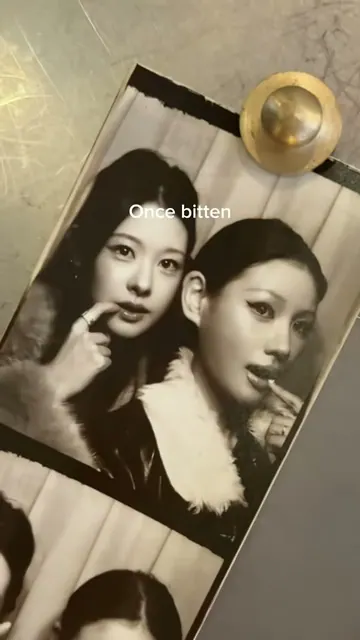
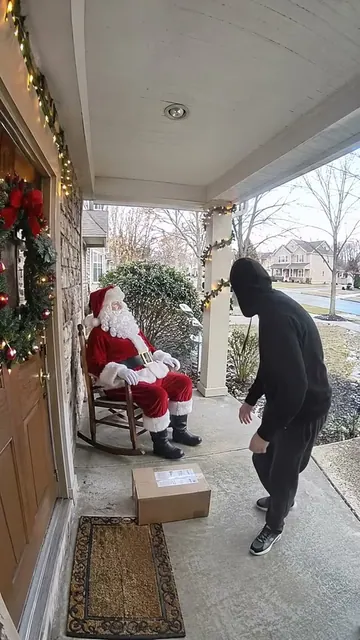
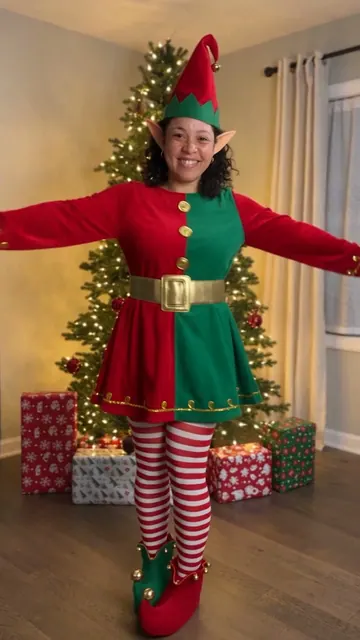
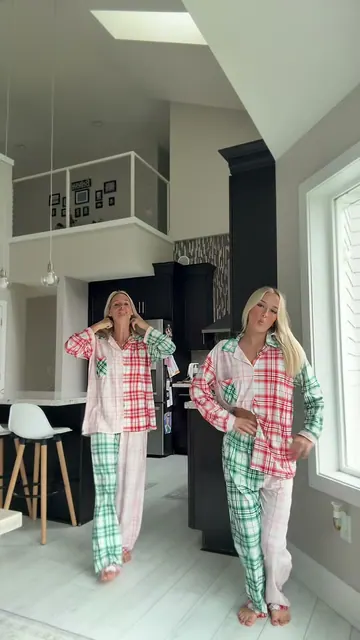
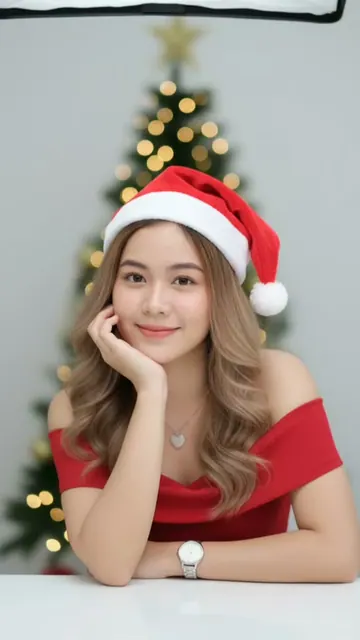
PhotoChristmas PhotoshootAdd one selfie. MakeViral turns it into a studio Christmas photoshoot: a lit tree and a Santa hat, a snow throw in the golden winter sun, a red gown among the gifts, candy canes, a cozy sweater, or a couple by the tree. Your face stays the same.From 3 credits1 photoPhotoChristmas PFPAdd one selfie or one pet photo. MakeViral gives it a red Santa hat, falling snow and warm fairy lights, or redraws it as a Christmas cartoon, with your face in the middle for the profile picture circle.3 credits1 photoVideoChristmas PhotoboothTwo black-and-white photo booth strips, one pose on every line of Last Christmas, a slow phone shot along the prints. Add a photo of you and a photo of your friend, partner or pet, and get the reel with the song.228 credits2 photosVideoSanta Caught on CameraOne photo of your living room or porch becomes night footage from a home camera: Santa leaves presents, looks straight into the lens and says "Merry Christmas" with the name you type. A 10-second vertical clip with his voice.126 credits1 photoVideoDance With SantaAdd one photo, and you dance side by side with Santa Claus on a red carpet between two lit Christmas trees: 15 seconds, the same steps, the same turns and the trend's own Santa song. Your pet can dance with Santa too, or bring your partner.From 189 credits1 photoVideoAI Elf DanceYour photo turns into a real elf: red and green suit, pointy ears, a hat with a bell. Then you dance by a lit Christmas tree, with your own face. Solo, a group of up to four, or your pet. 10 seconds, with sound.From 126 credits1 photoVideoChristmas DanceHip sways with the hands at the collar, rolling arms, a quick spin and raised fists, side by side in matching Christmas pajamas. Add two photos for the duo, one for a solo take, or two pets, and get the dance with the sound.From 49 credits2 photosPhotoChristmas Lights CarAdd a photo of your car. AI parks it on fresh snow at dusk and traces its roofline, windows and mirrors in glowing Christmas lights, with a lit house behind. Still clearly your car.From 3 credits1 photo

How do you make an AI Christmas photo?

  1. Choose a look. Start with Cozy portrait, Snowy street, With Santa, Family matching or Christmas card.
  2. Add photos if you want. Add one to four photos to keep real people in the image, or skip this step for an illustration or card.
  3. Change the words. Name the room, clothes, colors, weather and mood.
  4. Make it. The image appears under the form, ready to open and download.

Can you make a Christmas card with AI?

Yes. Tap Christmas card, replace the greeting with your own short message, and put the exact words inside quotation marks.

Short messages work best. Check every letter before you print or send the card, because AI can still make a spelling mistake. Choose Square for a social post, Vertical for a story, or Wide for a banner.

Which Christmas photo style should you choose?

GoalGood choice
A warm profile pictureCozy portrait
A dramatic holiday postSnowy street
A playful family momentWith Santa
A family image for sharingFamily matching
A greeting to post or printChristmas card
ChoiceModelOutputUsual waitPrice
AutoNano Banana 21K10-30 s2 credits
CheapNano Banana 2.11K20-60 s1 credit
FastNano Banana 21K10-30 s2 credits
ProNano Banana Pro2K20-60 s4 credits

These prices are for a run with your photo. A run from words alone can use a different model, so check the button.

When should you make it, and what should you check?

Make printed cards early, so you have time to check the image and order prints. For a same-day post, the generator usually gives you an image in seconds or a minute, depending on the choice.

Before you share it, check faces, hands, ornaments and any words. Use photos only with the permission of the people in them. If you want a known trend or a video, start from the Christmas templates on this page.

Why it works

What the ai christmas photo generator does for you

Ready Christmas looks

Start with portraits, snowy scenes, Santa, matching family photos or a card.

A photo is optional

Add your photos to appear in the image, or make a scene from words alone.

Cards with your words

Put a short greeting in quotation marks, then check the letters.

The price is shown first

Each choice shows its credits before you make the image.

How it works

3 steps from idea to finished file

No editor, no timeline, no export settings to get wrong.

  1. Pick a Christmas look

    Tap a ready prompt or describe your own idea.

  2. Add photos if you want

    Use up to four photos to include real people.

  3. Make and download

    Check the price, make the image and download it.

Who it is for

Works in these niches

  • Family photos
  • Christmas cards
  • Profile pictures
  • Holiday posts
  • Couples
  • Small shops
FAQ

Questions people ask

How do I make an AI Christmas photo?
Pick a Christmas look, add your photo if you want, and tap Make my Christmas photo. The image appears on this page.
Is this AI Christmas photo generator free?
No. MakeViral has no free plan, and new accounts start with 0 credits. A run with your photo costs 1 to 4 credits. The smallest purchase is a $9.99 one-time pack of 100 credits.
Can AI put me in a Christmas photo?
Yes. Add one to four clear photos and tell the generator to keep the same person and face. Check the result, because AI can change small details.
Can I make a photo with Santa?
Yes. Tap With Santa and add your photo, or use one of the Santa templates on this page for a ready-made idea.
Can I make a family Christmas photo?
Yes, with photos of people who agreed. Add up to four photos and describe the scene. Results are usually easier with fewer people.
Can it write Merry Christmas on the image?
Yes. Put the words in quotation marks and check every letter before you share or print the image.
What sizes can I make?
Choose Vertical, Square or Wide in the generator. More options opens further shapes and sizes.
Does the image have a watermark?
No. MakeViral does not add its watermark to the images you download.

Make your Christmas photo

Pick a holiday look, add your photo if you want, and see the exact price before you start.

No watermark. A failed video gives its credits back. Secure checkout by Stripe.