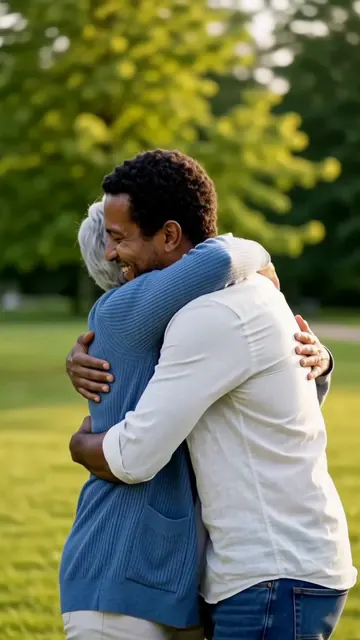
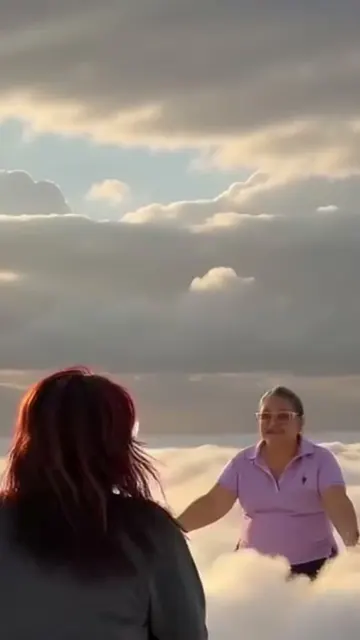
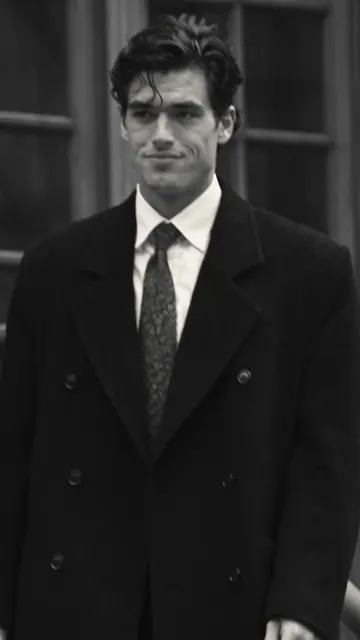
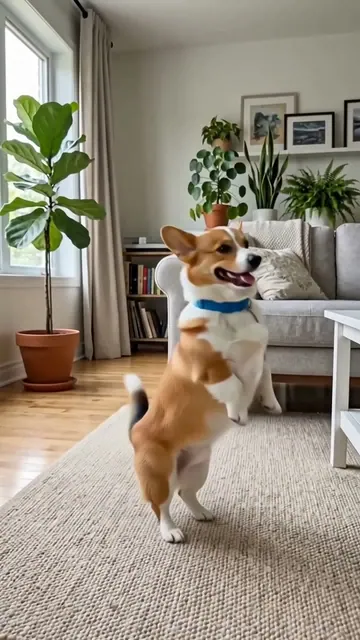
How do you animate a photo?
- Add one photo. A clear face or subject gives the best start.
- Choose the movement. Gentle life is the safest first choice.
- Keep the motion small. A blink, smile or slow camera move usually looks more natural than a large action.
- Make the video. Open the result when it is ready, then download it.
If you leave the prompt empty, the generator uses a natural motion prompt.
How do you animate old photos respectfully?
Old family photos need a light touch. Use a clean scan or take a straight photo of the print in soft light. Remove the glass from the frame if you can, because reflections can confuse the model.
Choose the Old photo prompt, then check the result carefully. AI can change a face, expression or small detail. It creates a new interpretation, not a historical record. Do not make it look as if a person said or did something they did not do, and keep the original photo.
Which photo animation setting should you pick?
| Choice | Model | Output | Usual wait | Price |
|---|
| Auto | Kling 3.0 | 5 s · 720p · sound | 2-4 min | 20 credits |
| Cheap | Seedance 2.0 Mini | 5 s · 480p · sound | 1-2 min | 6 credits |
| Fast | MiniMax H3 | 6 s · 768p · sound | 1-2 min | 10 credits |
| Pro | Seedance 2.5 | 5 s · 720p · sound | 2-5 min | 63 credits |
Auto is the normal choice for a photo with a person. Cheap is useful for checking an idea first. Pro uses the strongest setting listed here.
What should you avoid?
| Problem | Better choice |
|---|
| A very small face | Crop closer before you upload |
| Blurry or dark picture | Use the sharpest version you have |
| Several people in a tight group | Ask for a slow camera move, not big gestures |
| Big action in a short clip | Ask for one small movement |
| Text in the photo | Expect it to change, and check it closely |
Use photos you have the right to use. Ask permission before you animate another living person.