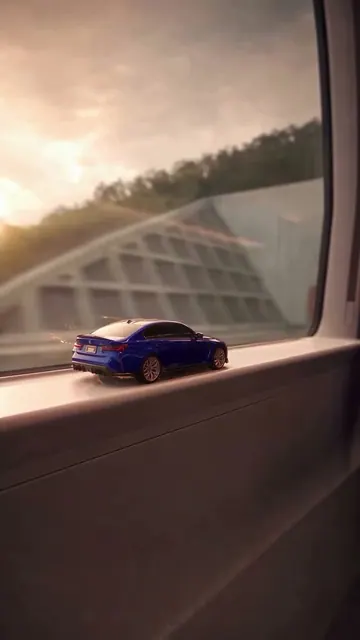
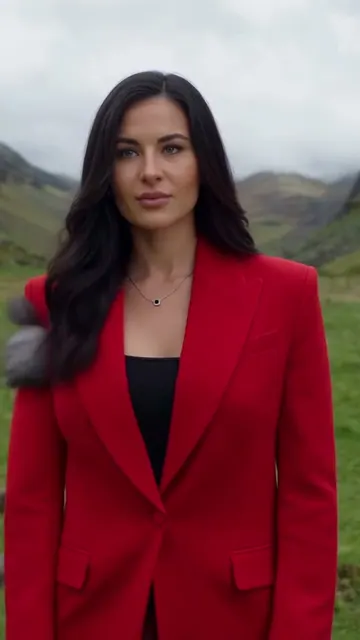
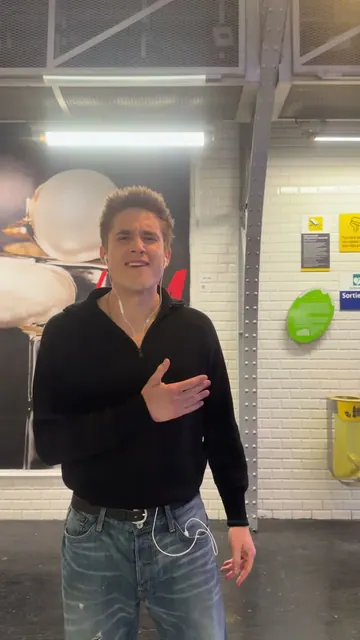
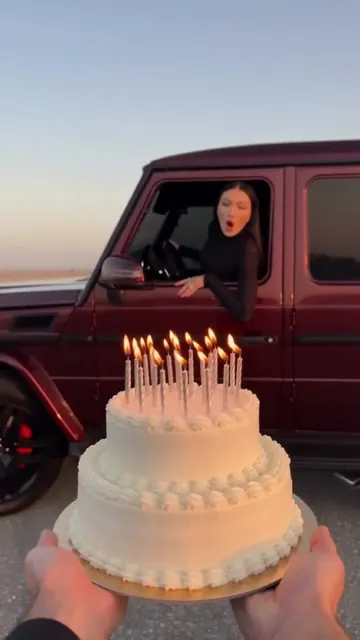
How do you turn an image into a video with AI?
- Upload one image. It becomes the first frame of the video.
- Describe the motion. Say what moves, how the camera moves, and what must stay the same.
- Pick a choice. Auto suits most images. Cheap, Fast and Pro use other models.
- Make the video. The result appears below the form, and you can open it to download.
The video takes the shape of your image, so use a vertical image for TikTok, Reels and Shorts, and a wide image for YouTube.
Which image to video model should you use?
| Choice | Model | Output | Usual wait | Price |
|---|
| Auto | Kling 3.0 | 5 s · 720p · sound | 2-4 min | 20 credits |
| Cheap | Seedance 2.0 Mini | 5 s · 480p · sound | 1-2 min | 6 credits |
| Fast | MiniMax H3 | 6 s · 768p · sound | 1-2 min | 10 credits |
| Pro | Seedance 2.5 | 5 s · 720p · sound | 2-5 min | 63 credits |
Auto uses the model chosen for keeping a face from a photo. Cheap is good for trying an idea. Fast gives a slightly longer clip. Pro uses the strongest setting on this page. Open More options for other models and lengths.
How do you write a good image to video prompt?
Do not describe the whole picture again. The model can see it. Describe the change.
| Part | Example |
|---|
| Subject motion | "She turns toward the window and smiles" |
| Camera motion | "The camera pushes in slowly" |
| Scene motion | "Rain falls and neon lights reflect on the street" |
| What stays the same | "Keep the face, clothes and background the same" |
| Sound | "Quiet city ambience" |
Use one main action for each short clip. Several actions in five seconds often look rushed.
What images work best?
Choose a sharp image with a clear subject. Leave some space around the person or object, so the camera and movement have room.
Results are harder with very small faces, crowded groups, readable text, hands near the face, or fast action. AI can change details, so check the video before you publish it. Use only images you have the right to use, and only use a person's image if that person agreed.