AI dance video generator

AI Dance Generator: Make Any Photo Dance

Add a full-body photo, choose a dance style, and make a short dance video here. Use a template when you want a known trend.

Updated

  • Ready dance styles
  • Works from one photo
  • Viral dance templates too

Make your photo dance

Live

Kling 3.0 · 5 s · 720p · sound · 2-4 min

Use your own photo, or a photo of someone who agreed.More options
200 billionViews a day on YouTube ShortsYouTube, 2026
189 millionPeople TikTok reaches in the EU every monthTikTok, 2026
2.60%Average engagement on TikTok, against 0.45% on Reels and 0.30% on ShortsSocialinsider, 2026
5,000+Videos rendered on MakeViral so farCounted on this site, hourly
Sources

Every figure was read on the page it links to on 2026-09-18. The MakeViral counts come from this site and update every hour.

An AI dance generator turns a photo into a video of the person or pet dancing. On MakeViral, you add a full-body photo, choose a dance style, and make the video on this page. Each run costs 6 to 63 credits. For an exact viral routine, start from one of the dance templates.

Also called AI dance video generator · Photo dance AI · Make a photo dance

Key facts

What you add
1 photo and a short description
What you get
An MP4 video with sound, in the shape of your photo
Price per run
6 to 63 credits, shown on the button before you start
Default model
Kling 3.0, 5 s · 720p · sound
Usual wait
2-4 min
Smallest purchase
a $9.99 one-time pack of 100 credits, with no subscription
Best input
One person or pet, with the full body visible
Exact trend moves
Use a dance template, because a prompt does not copy a routine step by step

What changed on this page

  • Published the page with the generator, dance prompts, current prices and answers.
Ready-made looks

Want a tested look? Start from a template

Each template has its own examples and settings. Add your photo and make it.

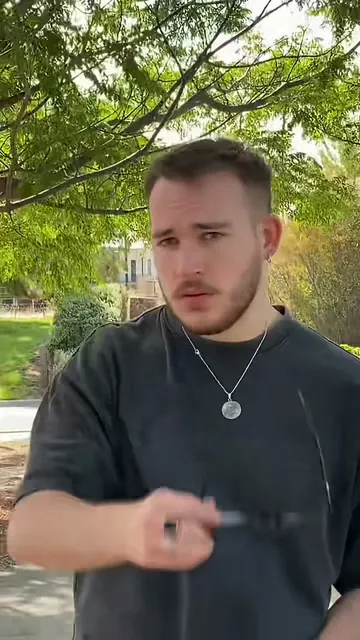
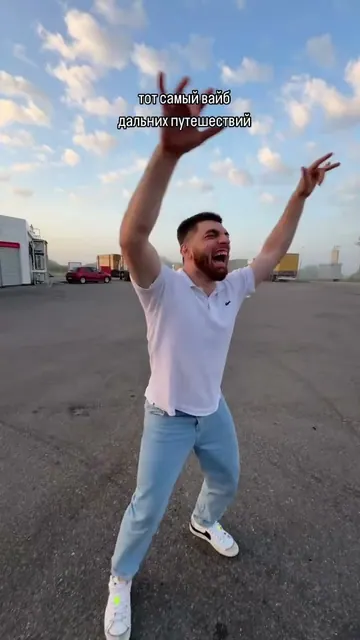
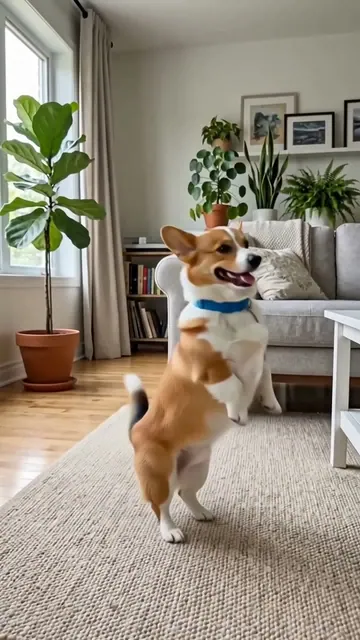
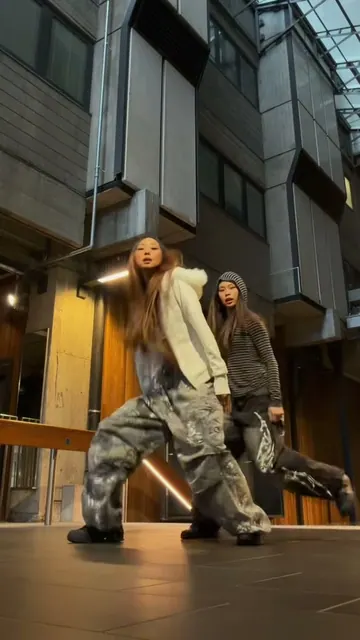
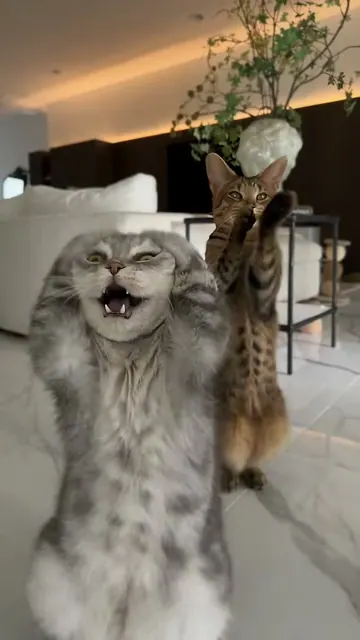
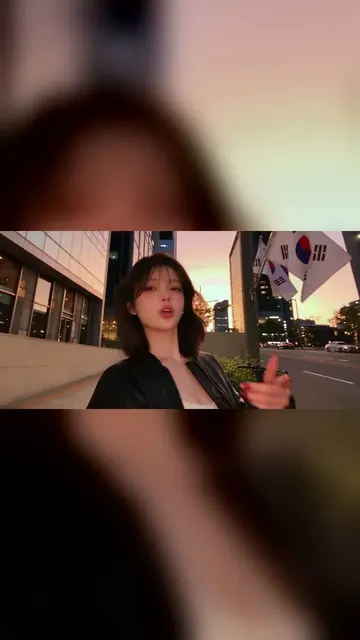
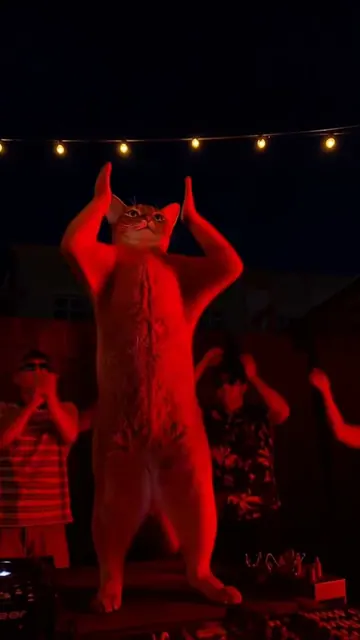
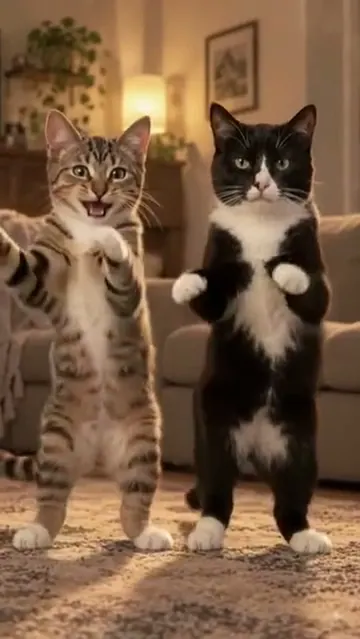
VideoBabydoll DanceBouncy chugs toward the camera, circling arms, steps out to the side, ball changes and an arm thrown up high, all on the beat. Add a photo of you or your pet, or three photos of you and two friends, and get your own Babydoll dance video with the song.From 60 credits1 photoVideoCloser DanceOne of you waits on the path and pulls down the sunglasses, the other sprints in, and you both lose it in a fast, comic face-off to Ne-Yo's "Closer". Add two photos and get the original reel with your faces, with the song.228 credits2 photosVideoGas Station DanceOne friend dances on an empty parking lot in low golden light, one films a selfie, and one climbs out of the car with the wind in their hair, like the road trip reel that went viral again in 2026. Three photos in, or one photo to play every part. 15 seconds, with the song.228 credits3 photosVideoDancing PetYour dog or cat stands up on its hind legs and does the happy, bouncy dance of the AI corgi clip below. One pet photo in, a 10-second clip with the clip's own beat out.From 152 credits1 photoVideoNEON Duo DanceThe sway, the spin kick, the high-and-low pose and the squat: the viral NEON intro from A2O LITE's debut song. Add two photos for a duo, one for a solo, or two of your pets.From 60 credits2 photosVideoSmalltown BoyYour first pet grabs its head and screams into a wide lens while your second pet dances behind it. Then both dance side by side and rush the camera, in the viral reel itself, with its song. Pick Human to do it with a friend.213 credits2 photosVideoGangnam Style AIThree friends, one selfie camera, a sunset street in Seoul: the 2026 Gangnam Style trend, where each friend gets a solo to the chorus. Add one photo to take the middle, or bring one or two friends.From 126 credits1 photoVideoTecktonik DanceArms out wide, hands to the head, both arms up, then a flurry of sharp arm moves on a small stage under string lights: the 2000s electro dance that Cheba Man brought back in 2026. Add one photo of you or your pet and get the dance with the song.228 credits1 photo

How do you make a photo dance?

  1. Add a full-body photo. The feet and arms should be visible.
  2. Choose a style. Tap Hip hop, Pop, Latin, Shuffle or Pet dance.
  3. Keep the action simple. One clear style works better than a long list of moves.
  4. Make the video. It appears below the form when it is ready.

Should you use the generator or a dance template?

You wantUse
A new dance from your own ideaThe generator on this page
A style such as hip hop or LatinA ready dance prompt
A known viral routineA dance template
The song and motion of a trendThe template for that trend

The generator follows your words, so it makes a new dance and does not copy a routine step by step. Templates are built for a specific trend and already contain its settings.

Which AI dance video setting should you choose?

ChoiceModelOutputUsual waitPrice
AutoKling 3.05 s · 720p · sound2-4 min20 credits
CheapSeedance 2.0 Mini5 s · 480p · sound1-2 min6 credits
FastMiniMax H36 s · 768p · sound1-2 min10 credits
ProSeedance 2.55 s · 720p · sound2-5 min63 credits

Start with Auto for a person. Use Cheap to test the idea. Use Pro when you want the strongest listed setting.

What makes a good dance photo?

Use one person standing clearly in the frame, with some space around the body. Plain clothes and a simple background help. A cropped photo gives the model less information about the legs and feet, so it can invent them.

Hands, feet and fast spins are the hardest parts. Ask for simple movement if the first result looks messy. Only use your own photo, or a photo of someone who agreed. Do not use a photo of a child.

Why it works

What the ai dance generator does for you

Ready dance styles

Start from hip hop, pop, Latin, shuffle or pet dance prompts.

Works from one photo

Add one full-body image and make the dance on this page.

Viral dance templates too

Pick a template when you want a known trend.

A video with sound

The choices on this page make a short video with sound.

How it works

3 steps from idea to finished file

No editor, no timeline, no export settings to get wrong.

  1. Add a full-body photo

    Keep the person or pet clearly visible.

  2. Choose a dance

    Tap a style or describe the movement.

  3. Make and post

    Check the price, make the video and download it.

Who it is for

Works in these niches

  • Dance creators
  • TikTok
  • Reels
  • Pet owners
  • Party videos
  • Funny clips
FAQ

Questions people ask

How do I make a photo dance with AI?
Add a full-body photo, choose a dance style, and tap Make it dance. The result appears on this page.
Is this AI dance generator free?
No. MakeViral has no free plan, and new accounts start with 0 credits. A run costs 6 to 63 credits. The smallest purchase is a $9.99 one-time pack of 100 credits.
Can it copy a specific TikTok dance?
The generator makes a new dance from your prompt. Use a dance template when you want a known trend.
Can AI make my pet dance?
Yes. Add a clear photo of the pet and choose Pet dance. Pet templates are also available for specific trends.
What photo works best for an AI dance video?
Use a sharp full-body photo with one subject, visible arms and feet, and a simple background.
How long is the dance video?
The choices on this page make clips of about five or six seconds. More options opens other models and lengths.
Can I add my own song?
Not in this form. For a video built around your song, use the AI music video generator.
Can I make a video of another person dancing?
Only with that person's permission. Do not use photos of children or make someone appear in a video they would not agree to.

Make your photo dance

Add a full-body photo, choose a style, and see the exact price before the video starts.

No watermark. A failed video gives its credits back. Secure checkout by Stripe.