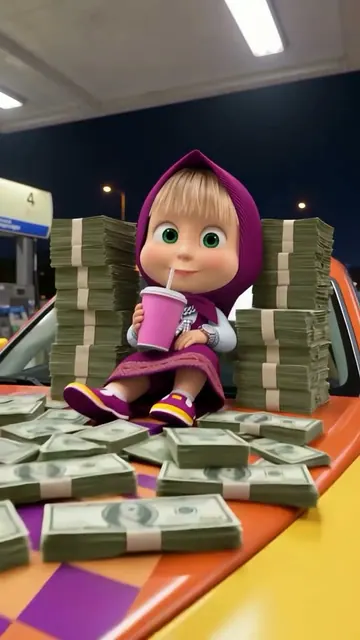
What is the Masha trend?+
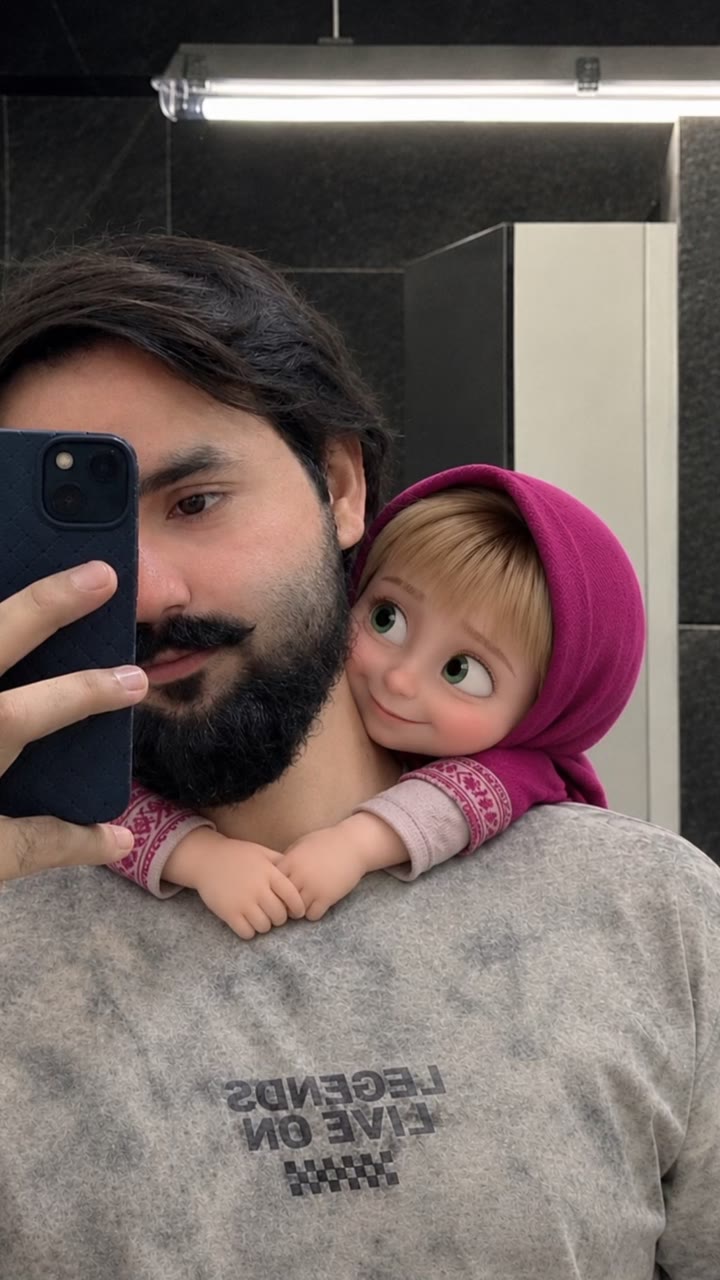
It is a TikTok photo trend from Pakistan, November 2026: people post their own selfies and mirror photos with a 3D Masha, the girl from the cartoon Masha and the Bear, added by AI. She hugs their neck, sits on their shoulder or holds their hand. The earliest big post we found is from 13 November, and the first post with a million views from 19 November.
How do I make the Masha trend photo?+
Press "Create your own", add one photo of you with your face clear, and press Generate. The AI adds the cartoon girl to your photo in a natural pose and keeps your face, clothes and background. The photo lands in My videos. That is how to make the Masha trend without writing a prompt.
What is the mashas trend prompt?+
The prompt the tutorials share is @drtech_2's ChatGPT "master prompt": act as a professional AI photo editor, add the cartoon girl with her headscarf, bangs and green eyes, and pick a cute pose such as sitting on your shoulder or holding your hand. Our version of the Masha trend prompt is on this page to copy, with our face rules added.
What do people call the Masha and Bear trend photo?+
The posts say "me with Masha", "Me and Masha" or "Me with my little Masha". People also search for a Masha and Bear trend photo, a Masha and Bear selfie, a Masha AI image or the Masha AI selfie trend. All of them mean the same picture: you in your own photo, with the cartoon girl added.
Can I use Gemini or ChatGPT for a Masha and the Bear AI photo?+
Yes, people use both with a Masha Gemini prompt or a Masha ChatGPT prompt. The common complaint is that a chat app changes the face or the background. This template keeps your photo as it is and adds only her, so the result still looks like your own photo.
Is there a Masha CapCut template?+
Yes, most tutorials on TikTok point to a Masha CapCut template: you open it from a tutorial post and upload one photo. MakeViral runs in your browser instead, with a prompt you can see and edit.
What sound do people use for the Masha trend on TikTok?+
Most posts use "original sound" by mr_aalam_1, a Hindi-Urdu film dialogue (67,800 videos on 27 November 2026), or "original sound" by storm._.op (28,800 videos). Your result is a still photo, so add the sound when you post it on TikTok.
Is this the same as the Rich Masha trend?+
No. Rich Masha (October 2026) turns you into the cartoon girl on a car full of cash, as a video. The Masha selfie trend keeps you as you are and adds her to your own photo. MakeViral has a template for each.
Will the AI change my face?+
It should not. The prompt keeps your photo, your face, your hair and your clothes exactly as they are and only adds the cartoon girl, and our face rules go at the end of every run. If a run still looks off, run it again with a sharper photo.
Can I add Masha to a photo of my pet?+
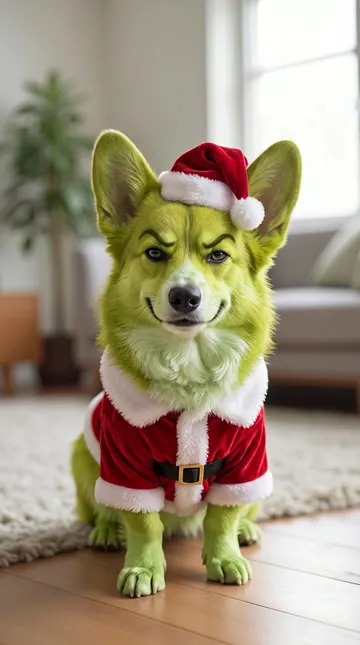
Yes. Add a photo of your cat or dog instead of a selfie. The prompt keeps the pet as it is and places her with it, hugging it or sitting next to it.
Can I choose the pose?+
Not with a button yet. The AI looks at your photo and picks the most natural pose: the neck hug, the shoulder, holding your hand, or standing beside you. Run it again for a different pose, or edit the prompt in AI Photo and write the pose you want.
Can I make it a video?+
Yes. Under your finished photo, press "Make it a video": it opens AI Video with your Masha photo as the first frame, and you choose what happens. The video costs its own credits.
Is this an official Masha and the Bear product?+
No. MakeViral is not connected to the show or its owner. This is a fan trend template that adds a cartoon girl in that style to your own photo.
Does the Masha AI photo cost credits?+
Yes. The create page shows the exact price on the Generate button before you spend anything. A photo costs far fewer credits than a video, and if a run fails, the credits come back.